Postingan

Menampilkan postingan dengan label Android 11

Improving urban GPS accuracy for your app

Gambar
Posted by Frank van Diggelen, Principal Engineer and Jennifer Wang, Product Manager At Android, we want to make it as easy as possible for developers to create the most helpful apps for their users. That’s why we aim to provide the best location experience with our APIs like the Fused Location Provider API (FLP). However, we’ve heard from many of you that the biggest location issue is inaccuracy in dense urban areas, such as wrong-side-of-the-street and even wrong-city-block errors. This is particularly critical for the most used location apps, such as rideshare and navigation. For instance, when users request a rideshare vehicle in a city, apps cannot easily locate them because of the GPS errors. The last great unsolved GPS problem This wrong-side-of-the-street position error is caused by reflected GPS signals in cities, and we embarked on an ambitious project to help solve this great problem in GPS. Our solution uses 3D mapping aided corrections, and is only feasible to be done at ...
New Android App Bundle and target API level requirements in 2021

Gambar
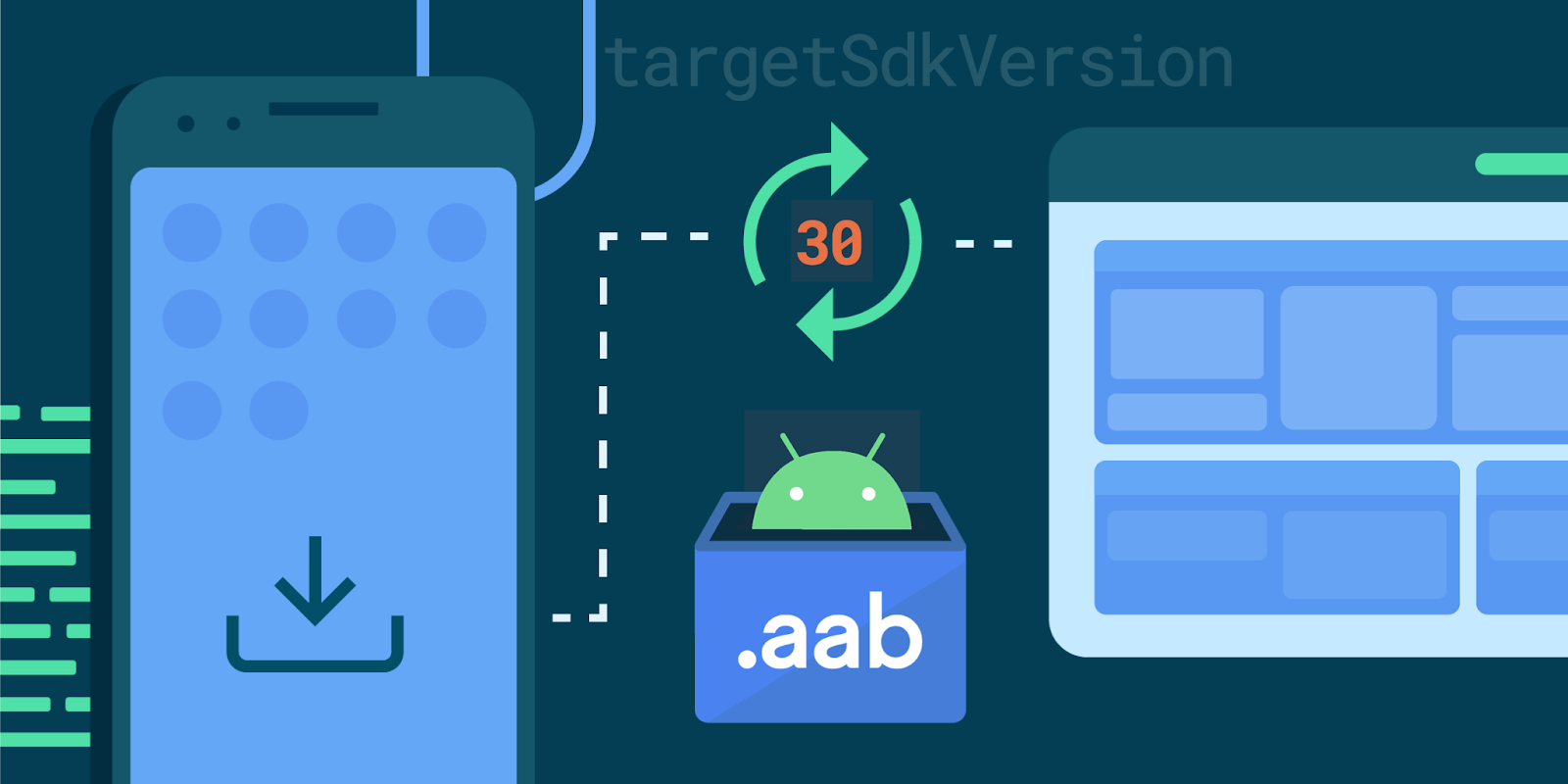
Posted by Hoi Lam , Developer Relations Engineer, Android Platform In 2021, we are continuing with our annual target API level update, requiring new apps to target API level 30 (Android 11) in August and in November for all app updates. In addition, as announced earlier this year, Google Play will require new apps to use the Android App Bundle publishing format. This brings the benefits of smaller apps and simpler releases to more users and developers and supports ongoing investment in advanced distribution. Over 750,000 apps and games already publish to production on Google Play using app bundles. Top apps switching save an average size of 15% versus a universal APK. Users benefit from smaller downloads and developers like Netflix and Riafy see higher install success rates, which is especially impactful in regions with more entry level devices and slower data speeds. Developers switching can use advanced distribution features such as Play Asset Delivery and Play Feature Delive...

Introducing Android 11 on Android TV

Gambar
Posted by Wolfram Klein, Product Manager, Android TV We’ve been turning it up to 11 all summer long, leading up to the launch of Android 11 on mobile. Now, following right behind the mobile release, we are launching Android 11 on Android TV to bring the latest platform features to the big screen. Android 11 on Android TV introduces performance and privacy improvements, new features tailored for the TV, and updated developer tools, in addition to enabling many of the features we announced during the #11WeeksOfAndroid. Foundational Improvements Android TV continues to bring many of the benefits that come with the core Android update to the TV. With Android 11, performance improvements, like enhanced memory management, and privacy features, like one-time permissions, are introduced to make sure TV devices work quickly and securely. Tailored for the TV Android 11 emphasizes media by bringing support for Auto Low Latency Mode , and low latency media decoding , along with a new...

Turning it up to 11: Android 11 for developers

Gambar
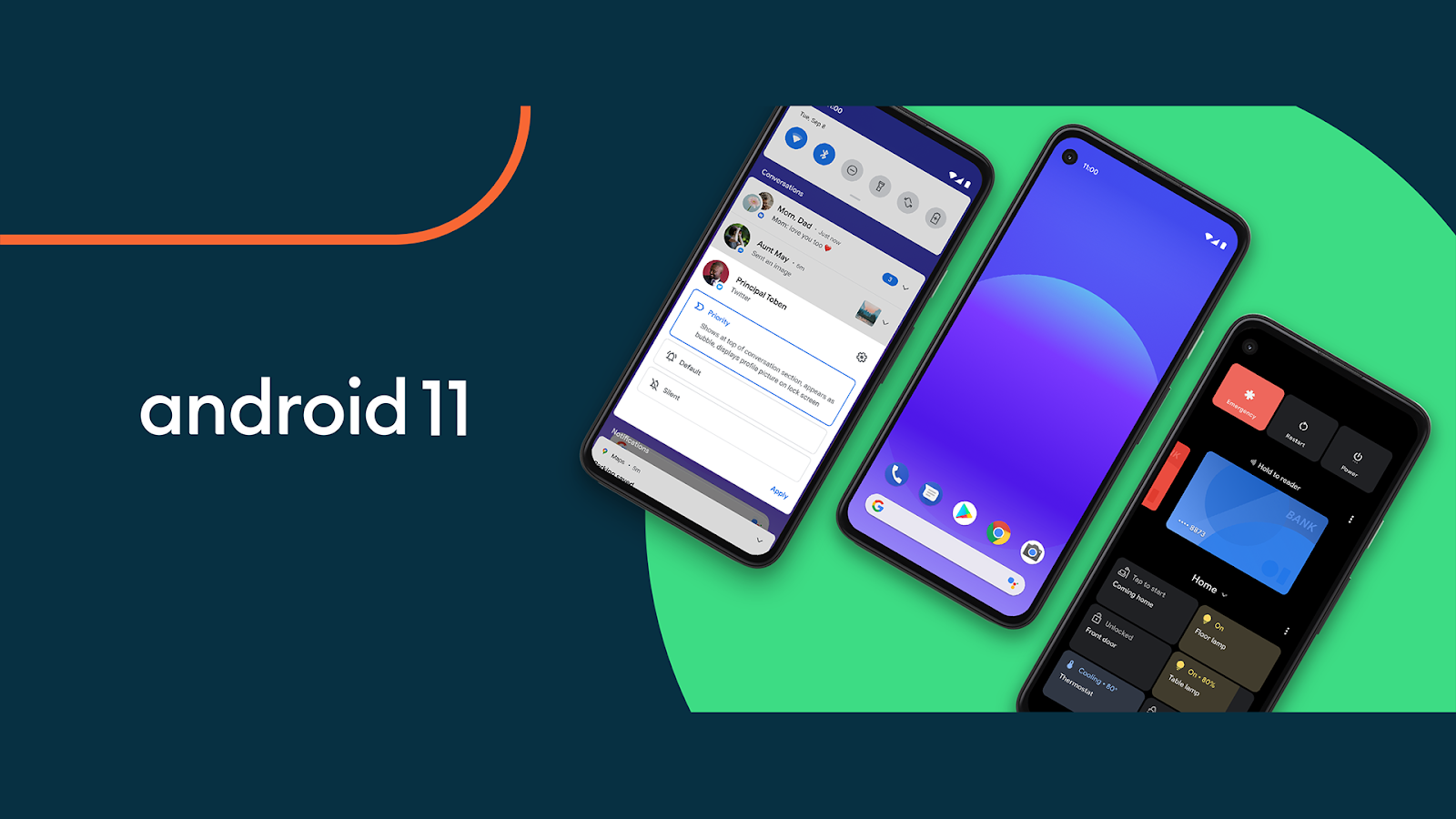
Posted by Stephanie Cuthbertson, Director, Product Management Android 11 is here! Today we’re pushing the source to the Android Open Source Project (AOSP) and officially releasing the newest version of Android. We built Android 11 with a focus on three themes: a People -centric approach to communication, Controls to let users quickly get to and control all of their smart devices, and Privacy to give users more ways to control how data on devices is shared. Read more in our Keyword post . For developers, Android 11 has a ton of new capabilities. You’ll want to check out conversation notifications, device and media controls, one-time permissions, enhanced 5G support, IME transitions, and so much more. To help you work and develop faster, we also added new tools like compatibility toggles, ADB incremental installs, app exit reasons API, data access auditing API, Kotlin nullability annotations, and many others. We worked to make Android 11 a great release for you, and we can’t wait to se...

Playing nicely with media controls

Gambar
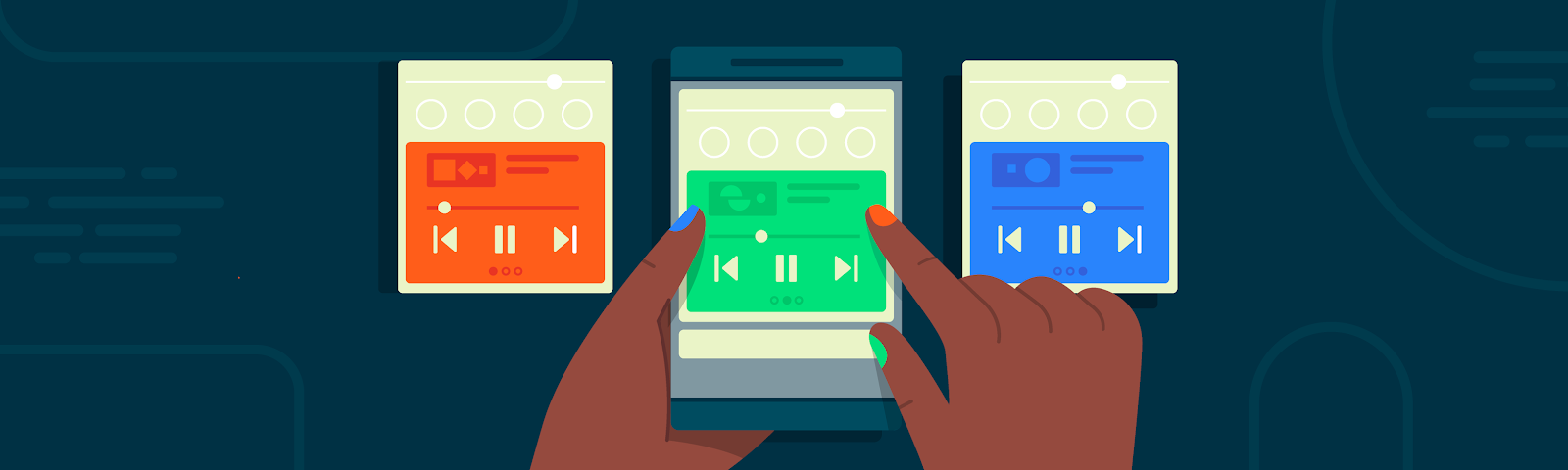
Posted by Don Turner - Developer Advocate - Android Media In Android 11 we've made it easier than ever for users to control media playback. This is achieved with three related features: media controls, playback resumption and seamless transfer. This article will explain what these features are, how they work together and how you can take advantage of them in your apps. Media Controls Android 11's media controls are found below the Quick Settings panel and represent a dedicated persistent space for controlling media playback. Media controls in Android 11 Part of the motivation for media controls is that users often have multiple media apps (music player, podcasts, video player etc) and regularly switch between them. Media controls display up to five current and recent media sessions in a carousel allowing the user to swipe between them. On Android 10 and earlier, media notifications for multiple apps can occupy most of the notification area. All those control buttons can a...

6 New ways to engage with users on Android TV

Gambar
Posted by Dan Aharon, Product Manager, Android TV This blog post is part of a weekly series for #11WeeksOfAndroid. This week we’re focusing on Android Beyond Phones. So what’s new on Android TV?. With users asking for more TV shows, movies, and apps than ever, the big screen has become a big deal. There are now over 80% more Android TV monthly active devices than a year ago! Working with 7 of the top 10 Smart TV OEMs and over 160 TV Operators has helped give users more options to spruce up their living room with Android TV. But connecting with this many people wouldn’t have been possible without the developer ecosystem building ~7,000 apps for Google Play on Android TV. Together, our users can now watch, play, and do more on their TVs. Over the past year, we’ve introduced new features to Android TV to make discovering and accessing your content even easier for users. We updated Google Play with a refreshed look and new app collections while making it easier for users to subscribe to...