Postingan

Menampilkan postingan dengan label latest

Boosting developer success on Google Play

Gambar
Posted by Sameer Samat, VP, Product Management Helping developers build sustainable businesses is a core part of Google Play’s mission. We work with partners every day to understand the challenges they face and help them bring their innovative ideas to life. Getting a new app off the ground and into orbit is not easy! To aid their quest for growth we provide a broad range of support, from powerful marketing tools and actionable data in the Play Console , education via Play Academy , "> best practices and thought leadership resources, programs such as the Indie Games Festival , Indie Corner , and accelerator programs around the world. We’re always looking for new ways to give them an added boost. Starting on July 1, 2021 we are reducing the service fee Google Play receives when a developer sells digital goods or services to 15% for the first $1M (USD) of revenue every developer earns each year. With this change, 99% of developers globally that sell digital goods and servic...

Android Dev Challenge: Week 3 - Speed round

Gambar
Posted by Jolanda Verhoef , Developer Relations Engineer On your marks...Get set… Wait a second! Save the date for the third week of the #AndroidDevChallenge ! On March 13th , compete with other developers in your time zone; the fastest Compose skills wins! We loved all the creative submissions of week #1 and #2, but now we’re looking for speed. Here’s your challenge: Week #3 - Speed round 🏎 Be the fastest to implement a set of designs provided by us. The designs will be posted here when the challenge starts. Submit your entry* as soon as you finish implementing the designs. We’ll post different designs at 3 different times on the 13th: APAC-friendly: opens at 9AM UTC+8 EMEA-friendly: opens at 9AM UTC Americas-friendly : opens at 9AM UTC-8 We’ll update this blog post at the beginning of each round with the link to the designs. Your UI must be fully built in Compose, and strictly match all the guidelines specified in the designs. To help you with the implementation, check out the Co...

Android Dev Challenge: Week 2 - Countdown timer

Gambar
Posted by Florina Muntenescu , Developer Relations Engineer 3...2...1… Time for another challenge! Welcome to the second week of the #AndroidDevChallenge ! We loved seeing your creative submissions in week #1 so we can’t wait to see what you’ll build in week #2. Here’s your challenge: Week #2 - Countdown timer ⏲️ Create a working, single screen countdown timer. You have until March 9th, 23:59 PST to submit your entry . 1 Your UI must be fully built in Compose. To help you with the implementation, check out the Compose documentation on state and animation . For some hands-on learning try out the Compose pathway , with codelabs covering several topics useful for completing this challenge. Your solution must be implemented in a GitHub repository. Make a copy of this Github repository template and follow the instructions in the README. The template contains a basic Hello World! in Compose and a continuous integration setup. This week’s prize: a Compose poster pack! Our second week...

Google Play Console powers better strategic decisions with new engagement metrics and unique benchmarks

Gambar
Posted by Tom Grinsted, Product Manager, Google Play Today in Google Play Console, we’ve launched a suite of new metrics* and unique comparative benchmarks. Using these, you can evaluate your app or games’ engagement and monetization trends against up to 250 different peersets, helping you make better, more informed decisions about your product roadmaps and opportunities. Whether you want to prioritize new features to drive engagement, experiment with pricing, or drive up retention, we hear from all developers that they need great data and insights to help make the best investments. While some larger developers can compare data from across their portfolios, this isn’t always possible — for instance, when entering a new territory, if you don’t publish directly comparable apps, or if you only publish one or two games in the first place. In these types of cases, how do you know if your app or game’s performance is good and where you can be better? With this launch, we’re here to help al...

Android Auto Apps Powered by Jetpack

Gambar
Posted by Eric Bahna, Product Manager In January, we enabled the Google Play Store to accept open testing submissions of navigation, parking, and charging apps. It’s great to see many of you developing Android Auto apps and sending us feedback through the issue tracker. Thank you for helping us improve the platform so we deliver better in-car experiences together! Drivers have been sending positive feedback, too, as new apps launch to open testing, like Chargemap. Chargemap in Android Auto Today, we’ve reached the next milestone: the Android for Cars App Library is available in Jetpack as androidx.car.app 1.0.0-beta01 ! The move to Jetpack makes the library open source, gives you more visibility into our feature development, and provides API consistency with other Jetpack libraries. We’ve updated the developer guide and design guidelines to cover androidx.car.app . Test your app with Android Auto 6.1, or later, then you can publish your app to open testing in the Google Play St...

Students Learn Android App Development with Google Developer Student Clubs

Gambar
Posted by Erica Hanson , Global Program Manager, Google Developer Student Clubs Google Developer Student Clubs , a program of university based community groups for students interested in Google developer technologies, recently started hosting study groups called Android Study Jams . The goal? Learn Android app development through hands-on codelabs in an online curriculum provided by Google. There are two tracks: one for students who are new to programming, and one for those who already have experience. Interested in participating? Facilitator materials are available for anyone to host Android Study Jams in their community - take a look and get to building. Google Developer Student Clubs are dedicated to helping students learn programming together, among peers, in a fun and interactive setting. While over 50 thousand students from all over the world have participated in these Android workshops, we wanted to highlight the exciting work from groups in Indonesia, Turkey, and Nigeria. F...

Announcing Jetpack Compose Beta!

Gambar
Posted by Anna-Chiara Bellini , Product Manager, Nick Butcher , Developer Relations Today, we’re launching the beta release of Jetpack Compose , our new UI toolkit designed to make it faster and easier to build native apps across all Android platforms. Compose offers modern, declarative Kotlin APIs, helping you build beautiful, responsive apps with way less code. Built to integrate with existing Android apps and Jetpack libraries, you can adopt Compose at your own pace by combining Android Views and Compose. With this beta release, Compose is API complete and has all the features you need to build production-ready apps. Beta also means API stable, so we won’t change or remove APIs. Now is a great time to start learning Compose and begin planning for how you will use it in an upcoming project or feature once it reaches 1.0 later this year. What's In Beta Our team has been developing Compose in the open with feedback and participation from the community. Since open sourcing deve...

Android Dev Challenge: lift off with Jetpack Compose

Gambar
Posted by The Jetpack Compose Team Jetpack Compose is Android’s modern toolkit for building native UI. It enables you to quickly bring your app to life with less code, powerful tools, and intuitive Kotlin APIs. With the Beta of Jetpack Compose released today, this is the perfect time to learn Compose and get ready to adopt it. To help you get started with Jetpack Compose we are launching a new #AndroidDevChallenge! For the next four weeks, the #AndroidDevChallenge will be launching a series of weekly challenges to help you build better apps faster with Jetpack Compose. Oriented around “lift off insights," each challenge focuses on a new area of Compose, from animations to Material Theming, composables to lists and more! Compete to win new prizes for each challenge, with over one thousand prizes to win including a Pixel 5. 1 The first challenge starts today! The challenges Every week brings a new challenge with its own rules and tasks. Every Wednesday starting today we’ll p...

Here's how to watch #TheAndroidShow in just under 24 hours

Gambar
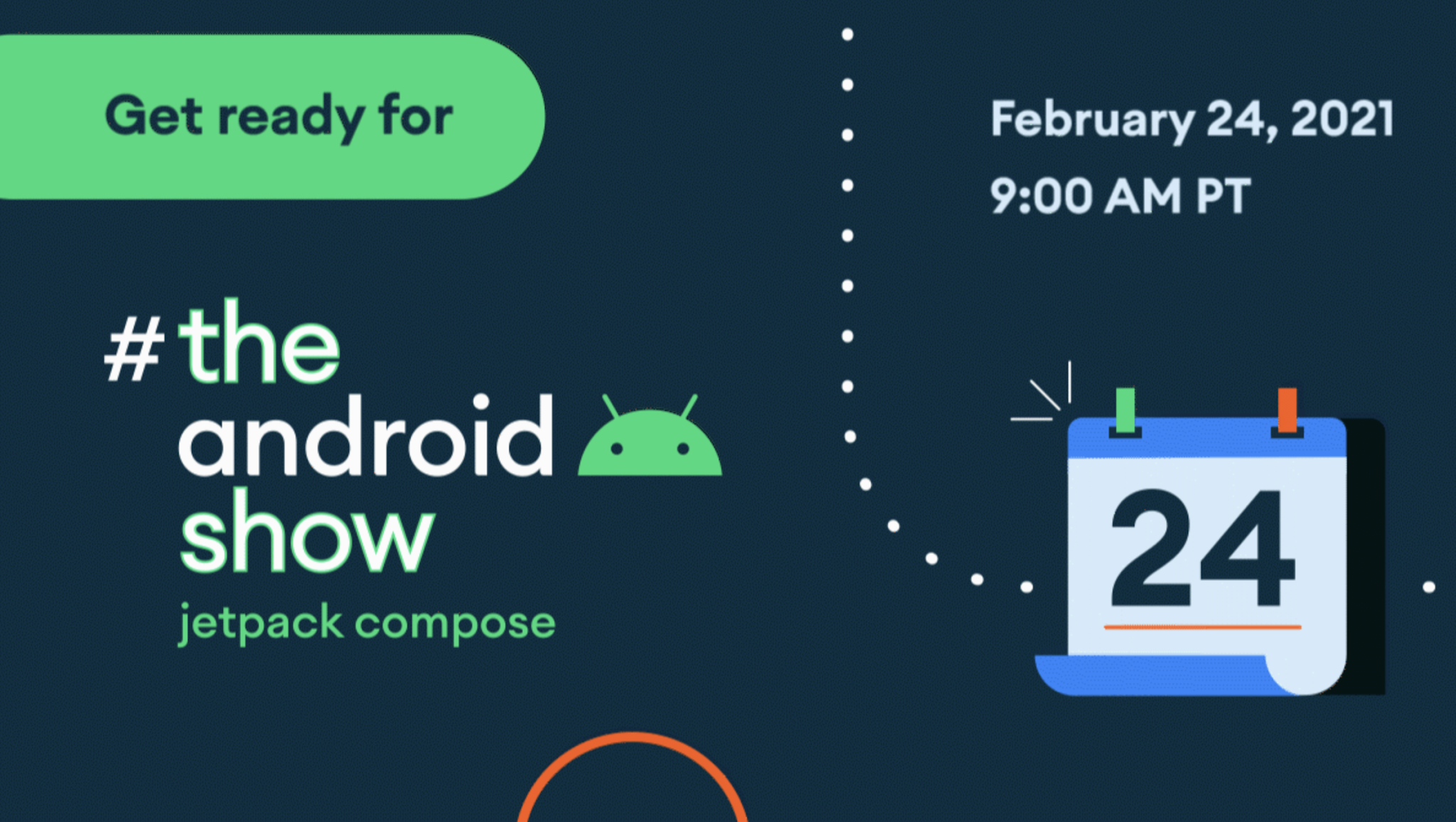
Posted by The Jetpack Compose Team In less than 24 hours, we're giving you a backstage pass to Jetpack Compose , Android's modern toolkit for building native UIs, on #TheAndroidShow . Hosted by Kari Byron, you'll hear the latest on Jetpack Compose from the people who built it, plus a fireside interview with Android's Dave Burke. The show kicks off live at 9AM PT! Broadcasting live on February 24th at 9AM PT, you’ll be able to watch the show at goo.gle/TheAndroidShow , where you’ll also be able to find more information and links to all of the things we covered in the show. Or if you prefer, you can watch directly on YouTube or Twitter . There’s still time to ask your Jetpack Compose questions, use #TheAndroidShow Got a burning Jetpack Compose question? Want to learn about annotating a function type with @ Composable? Or how to add a static parameter to Composable functions at the compiler level? Tweet us your Jetpack Compose questions now, using #TheAndroidShow. We...

MAD Skills Motion Layout: wrap-up

Gambar
Posted by Chet Haase , Developer Relations Engineer We recently finished another series of MAD Skills videos - this time on Motion Layout. We covered ways in which you can use the API and the design tool to create rich, custom, and complex animations for your users. Check out the episodes below to increase your knowledge and skills in different areas of the Motion Layout API and design tool. And watch the live Q&A episode, featuring engineers on the Motion Layout and Developer Relations teams. Episode 1 - ConstraintSet Animations This video explores how ConstraintSets are used to define different states of your UI that you animate between. Along the way, Sean shows how to use Motion Editor in Android Studio to create and edit these transitions. Episode 2 - Keyframes This episode shows how to use Keyframes in a MotionLayout animation to customize the animation by altering the values of various properties over time. For example, you can use keyframes to change the path an objec...

Quality to match with your user’s expectations

Gambar
Posted by Hoi Lam , Android App Quality Since the launch of Android more than 10 years ago, the platform and the user’s expectations have grown. There are improvements from user experience through material design to the importance and advancement in privacy . We know you want your apps to offer a great user experience. At the same time, we also know that it’s not always straightforward to know which area to tackle first. That’s why we are launching a new App Quality section in our developer site to help you keep up-to-date with key aspects of app quality and provide related resources. In the first release, we have updated the Core App Quality checklist to take into account recent Android releases as well as the current trends of the app ecosystem. Here are some highlights in this update: Visual Experience - We highlight the best practice of using Material Design Components in place of platform components such as buttons. This will give your app a modern look as well as m...

Announcing Kotlin Symbol Processing (KSP) Alpha

Gambar
Posted by Ting-Yuan Huang ‎, Software Engineer and David Winer , Product Manager Today we are excited to announce the alpha of Kotlin Symbol Processing (KSP), an all-new tool for building lightweight compiler plugins in Kotlin. KSP offers similar functionality to KAPT , however it’s up to 2x faster, offers direct access to Kotlin compiler features, and is being developed with multiplatform compatibility in mind. KSP is compatible with the Kotlin 1.4.30 release and onwards. You can check out the open source code and documentation in the KSP GitHub repository . Why KSP? The #1 request we hear from Kotlin developers is to make build speeds faster. Many developers iterate on and deploy apps dozens of times a day, so having to sit around waiting for a slow build can be very time consuming. One of the biggest challenges with compiling Kotlin code is that Kotlin doesn’t have a native annotation processing system. Annotation processors like Room are ubiquitous on Android and rely on Java an...

New curriculum for educators to teach Android app development

Gambar
Posted by Kat Kuan , Developer Advocate, Android We strive to make Android development content accessible to all, so that anyone can become an Android developer. Over the years, millions of students at all different levels have consumed our learning content and worked through courses and codelabs to advance their skills. We continue to update and release new content as the ever-changing industry continues to evolve. As demand for skilled Android developers increases in the job marketplace, there is an even greater need for educators to train the next generation of Android developers. That is why we created these resources to help support and empower educators. New Android Development with Kotlin instructor-led curriculum Today we’re announcing the launch of our new instructor-led curriculum for Android Development with Kotlin . This is for classroom learning (virtual or in-person) with an instructor delivering lectures on important Android concepts, and students receiving hands-on pra...

Expanding the reach of your Android Auto apps

Gambar
Posted by Eric Bahna, Product Manager In December, we opened the Google Play Store for publishing new Android Auto apps to closed testing . Today, you can reach more drivers by publishing navigation, parking, and charging apps to open testing tracks in the Google Play Store. With open testing, there’s no limit to the number of users who can download your app and you don’t need to manage lists of email addresses. This is an important milestone that gets us closer to making these apps available to all users in production. Get started with the Android for Cars App Library and choose an open testing track in the Play Console. TomTom AmiGO, one of our early access partners To give you a peek at what’s ahead, we’re working on adding the library to Android Jetpack ! This will give you more consistency with other Jetpack APIs and visibility into new features. When the Jetpack library is ready, migrating your app from the existing library will be straightforward - change the namespace and twe...

Opening the Google Play Store for more car apps

Gambar
Posted by Eric Bahna, Product Manager In October, we published the Android for Cars App Library to beta so you could start bringing your navigation, parking, and charging apps to Android Auto. Thanks for sending your feedback with our issue tracker , so we know where to improve and clarify things. Now we’re ready to take the next step in delivering great in-car experiences. Today, you can publish your apps to closed testing tracks in the Google Play Store. This is a great way to get feedback on how well your app meets the app quality guidelines , plus get your in-car experience in front of your first Android Auto users. Three of our early access partners: T map, PlugShare,and 2GIS We’re preparing the Play Store for open testing tracks soon. You can get your app ready today by publishing to closed testing. We’re eager to see what you’ve built!

AGP 7.0: Next major release for the Android Gradle plugin

Gambar
Posted by Murat Yener , Developer Advocate Today marks the release of the first Canary version of Android Studio Arctic Fox (2020.3.1) , together with Android Gradle plugin (AGP) version 7.0.0-alpha01. With this release we are adjusting the version numbering for our Gradle plugin and decoupling it from the Android Studio versioning scheme. In this blog post we'll explain the reasons for the change, as well as give a preview of some important changes we're making to our new, incubating Android Gradle plugin APIs and DSL . New versioning scheme With AGP 7.0.0 we are adopting the principles of semantic versioning . What this means is that only major version changes will break API compatibility. We intend to release one major version each year, right after Gradle introduces its own yearly major release. Moreover, in the case of a breaking change, we will ensure that the removed API is marked with @Deprecated about a year in advance and that its replacement is available...