Postingan

Menampilkan postingan dengan label Security

First preview of Android 12
Gambar
Posted by Dave Burke, VP of Engineering Every day, Android apps help billions of people work, play, communicate, and create on a wide range of devices from phones and laptops to tablets, TVs, and cars. As more people come to rely on the experiences you build, their expectations can rise just as fast. It’s one of the reasons we share Android releases with you early: your feedback helps us build a better platform for your apps and all of the people who use them. Today, we’re releasing the first Developer Preview of Android 12, the next version of Android, for your testing and feedback. With each version, we’re working to make the OS smarter, easier to use, and better performing, with privacy and security at the core. In Android 12 we’re also working to give you new tools for building great experiences for users. Starting with things like compatible media transcoding, which helps your app to work with the latest video formats if you don’t already support them, and easier copy/paste of ri...
Quality to match with your user’s expectations

Gambar
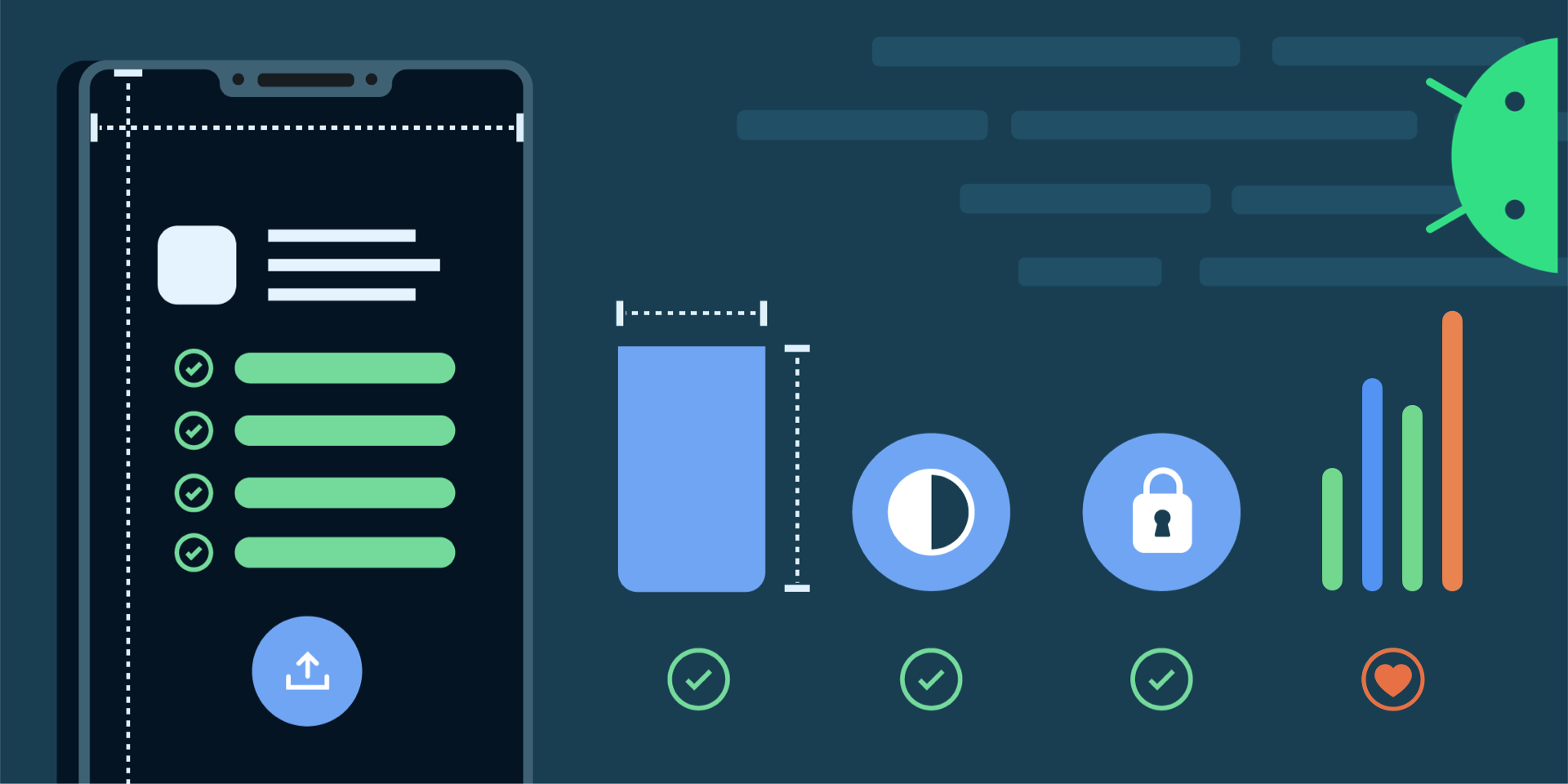
Posted by Hoi Lam , Android App Quality Since the launch of Android more than 10 years ago, the platform and the user’s expectations have grown. There are improvements from user experience through material design to the importance and advancement in privacy . We know you want your apps to offer a great user experience. At the same time, we also know that it’s not always straightforward to know which area to tackle first. That’s why we are launching a new App Quality section in our developer site to help you keep up-to-date with key aspects of app quality and provide related resources. In the first release, we have updated the Core App Quality checklist to take into account recent Android releases as well as the current trends of the app ecosystem. Here are some highlights in this update: Visual Experience - We highlight the best practice of using Material Design Components in place of platform components such as buttons. This will give your app a modern look as well as m...

New Android App Bundle and target API level requirements in 2021

Gambar
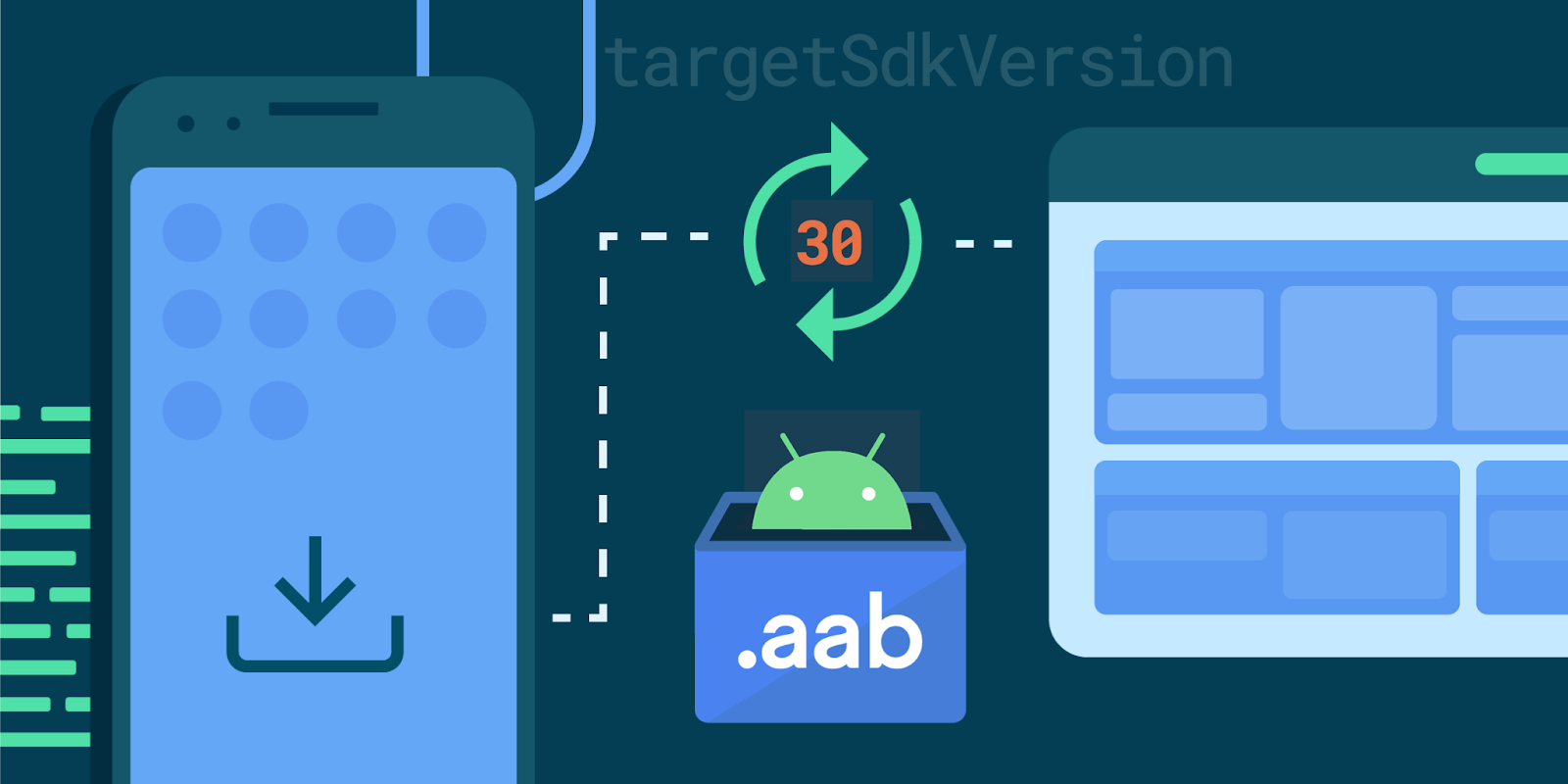
Posted by Hoi Lam , Developer Relations Engineer, Android Platform In 2021, we are continuing with our annual target API level update, requiring new apps to target API level 30 (Android 11) in August and in November for all app updates. In addition, as announced earlier this year, Google Play will require new apps to use the Android App Bundle publishing format. This brings the benefits of smaller apps and simpler releases to more users and developers and supports ongoing investment in advanced distribution. Over 750,000 apps and games already publish to production on Google Play using app bundles. Top apps switching save an average size of 15% versus a universal APK. Users benefit from smaller downloads and developers like Netflix and Riafy see higher install success rates, which is especially impactful in regions with more entry level devices and slower data speeds. Developers switching can use advanced distribution features such as Play Asset Delivery and Play Feature Delive...

Privacy-preserving features in the Mobile Driving License

Gambar
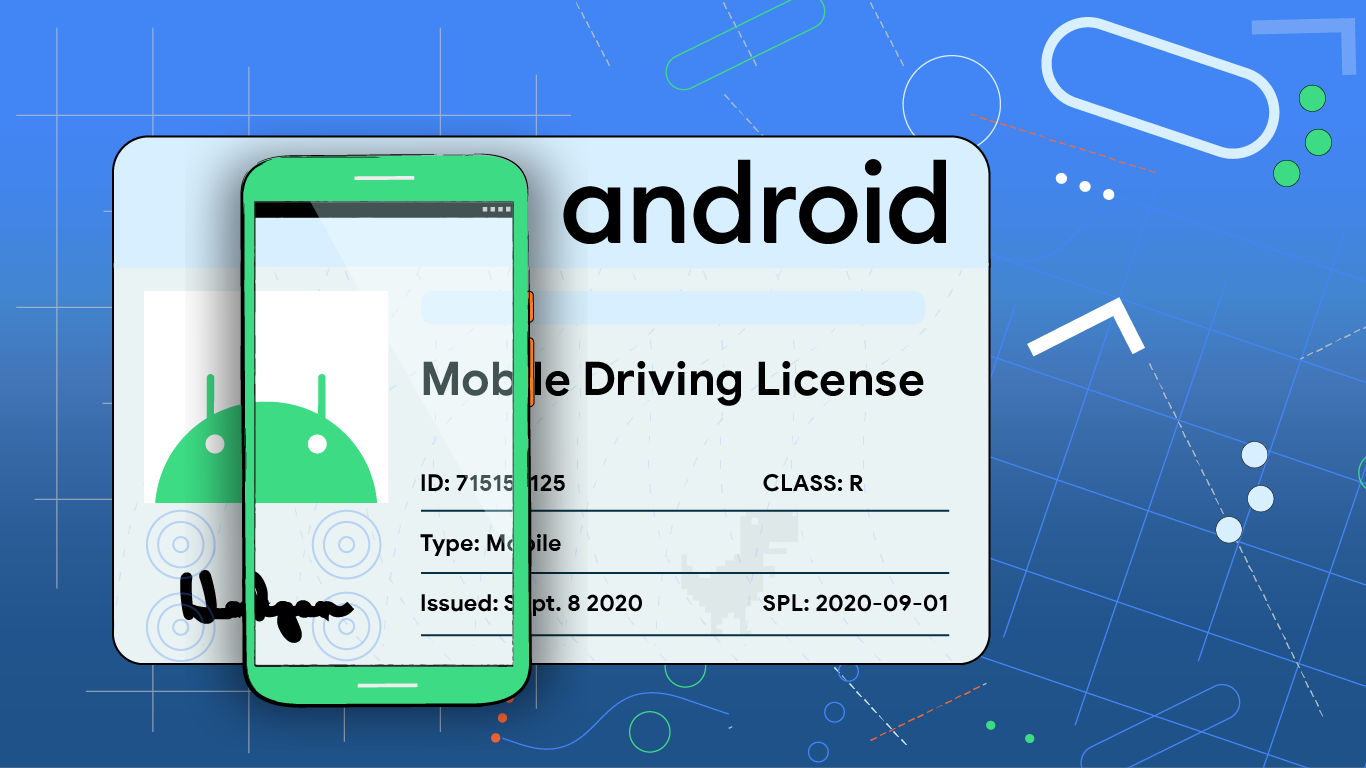
Posted by David Zeuthen, Shawn Willden and René Mayrhofer, Android Security and Privacy team In the United States and other countries a Driver's License is not only used to convey driving privileges, it is also commonly used to prove identity or personal details. Presenting a Driving License is simple, right? You hand over the card to the individual wishing to confirm your identity (the so-called “ Relying Party ” or “ Verifier ”); they check the security features of the plastic card (hologram, micro-printing, etc.) to ensure it’s not counterfeit; they check that it’s really your license, making sure you look like the portrait image printed on the card; and they read the data they’re interested in, typically your age, legal name, address etc. Finally, the verifier needs to hand back the plastic card. Most people are so familiar with this process that they don’t think twice about it, or consider the privacy implications. In the following we’ll discuss how the new and soon-to-b...

Lockscreen and authentication improvements in Android 11

Gambar
Posted by Haining Chen, Vishwath Mohan, Kevin Chyn and Liz Louis, Android Security Team As phones become faster and smarter, they play increasingly important roles in our lives, functioning as our extended memory, our connection to the world at large, and often the primary interface for communication with friends, family, and wider communities. It is only natural that as part of this evolution, we’ve come to entrust our phones with our most private information, and in many ways treat them as extensions of our digital and physical identities. This trust is paramount to the Android Security team. The team focuses on ensuring that Android devices respect the privacy and sensitivity of user data. A fundamental aspect of this work centers around the lockscreen, which acts as the proverbial front door to our devices. After all, the lockscreen ensures that only the intended user(s) of a device can access their private data. This blog post outlines recent improvements around how users inte...

System hardening in Android 11

Gambar
Posted by Platform Hardening Team In Android 11 we continue to increase the security of the Android platform. We have moved to safer default settings, migrated to a hardened memory allocator, and expanded the use of compiler mitigations that defend against classes of vulnerabilities and frustrate exploitation techniques. Initializing memory We’ve enabled forms of automatic memory initialization in both Android 11’s userspace and the Linux kernel. Uninitialized memory bugs occur in C/C++ when memory is used without having first been initialized to a known safe value. These types of bugs can be confusing, and even the term “uninitialized” is misleading. Uninitialized may seem to imply that a variable has a random value. In reality it isn’t random. It has whatever value was previously placed there. This value may be predictable or even attacker controlled. Unfortunately this behavior can result in a serious vulnerability such as information disclosure bugs like ASLR bypasses, or contro...

Data Encryption on Android with Jetpack Security

Gambar
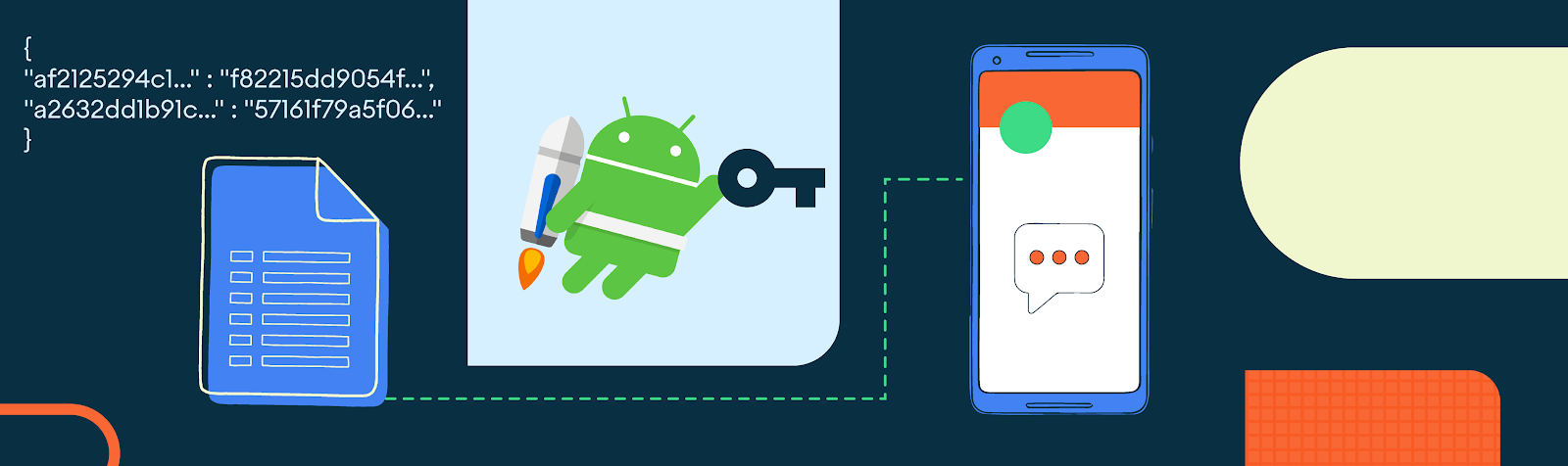
Posted by Jon Markoff, Staff Developer Advocate, Android Security Have you ever tried to encrypt data in your app? As a developer, you want to keep data safe, and in the hands of the party intended to use. But if you’re like most Android developers, you don’t have a dedicated security team to help encrypt your app’s data properly. By searching the web to learn how to encrypt data, you might get answers that are several years out of date and provide incorrect examples. The Jetpack Security (JetSec) crypto library provides abstractions for encrypting Files and SharedPreferences objects. The library promotes the use of the AndroidKeyStore while using safe and well-known cryptographic primitives . Using EncryptedFile and EncryptedSharedPreferences allows you to locally protect files that may contain sensitive data, API keys, OAuth tokens, and other types of secrets. Why would you want to encrypt data in your app? Doesn’t Android, since 5.0, encrypt the contents of the user's data pa...