Postingan

Menampilkan postingan dengan label Android Emulator

Run ARM apps on the Android Emulator
Gambar
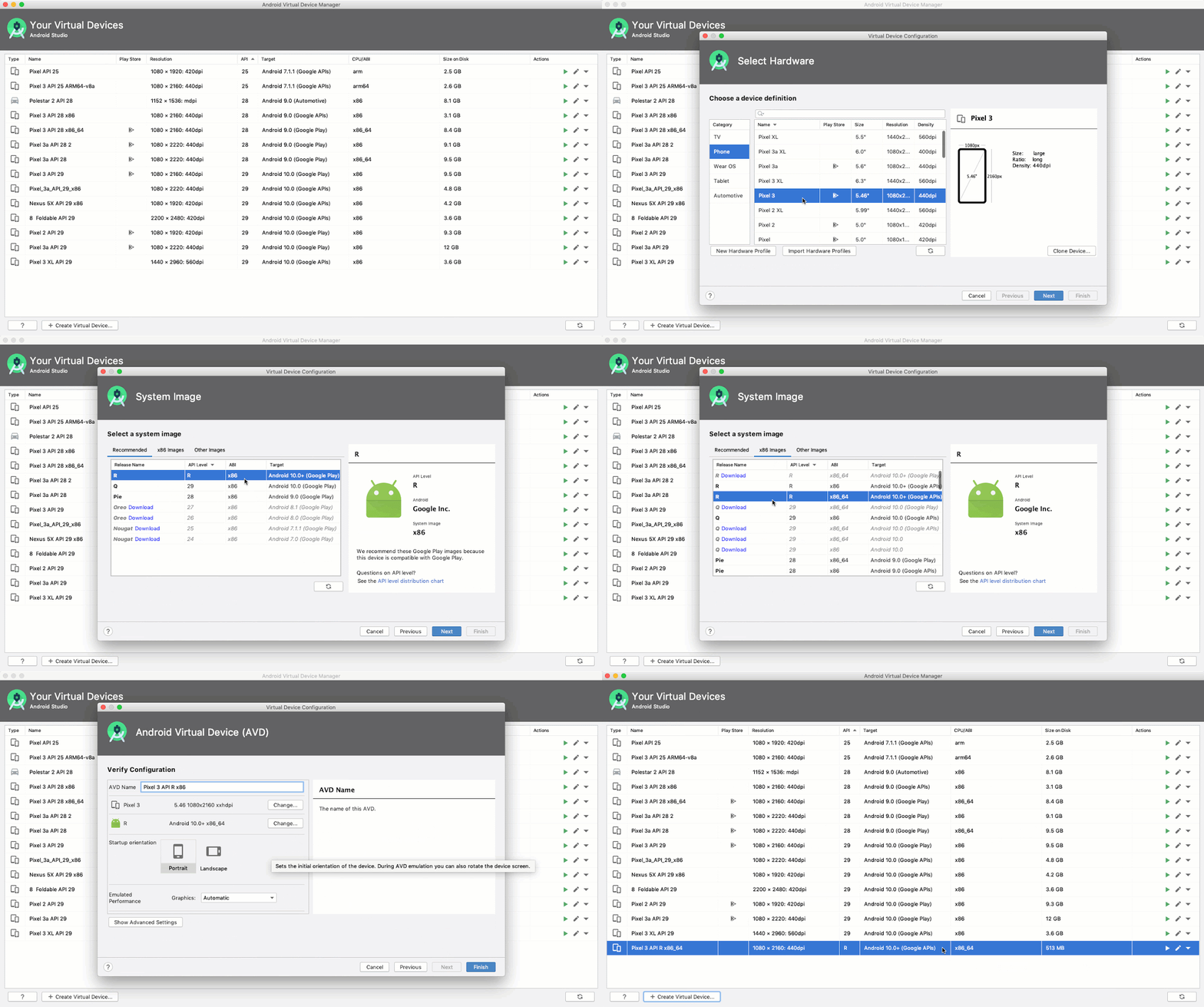
Posted by Michael Hazard As part of the Android 11 developer preview we’ve released Android 11 system images , which are capable of executing ARM binaries with significantly improved performance. Previously, developers who were dependent on ARM libraries and could not build an x86 variant of their app either had to use system images with full ARM emulation, which are much slower than x86 system images when run on x86-based computers, or resort to physical devices. The new Android 11 system images are capable of translating ARM instructions to x86 without impacting the entire system. This allows the execution of ARM binaries for testing without the performance overhead of full ARM emulation. The new Android 11 (Google APIs) x86 system image supports ARM ABIs, while the older Android Oreo system image does not Details The significance of this may require a bit of context, especially if you build apps exclusively with Kotlin or the Java programming language. Unlike Kotlin or the Java pro...

Continuous testing with new Android emulator tools

Gambar
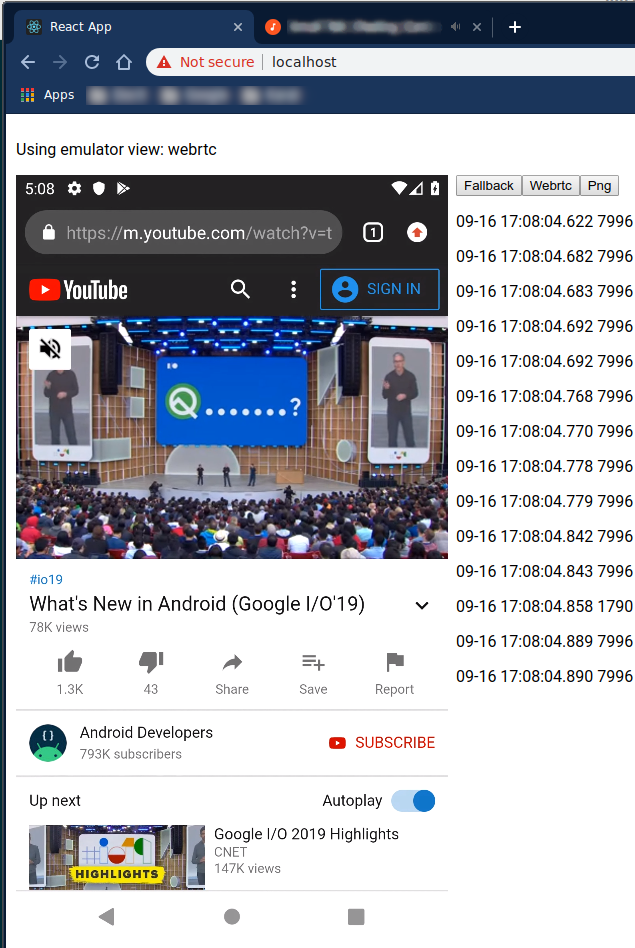
Posted by Lingfeng Yang, Android Studio team Developers often use the Android Emulator during their day-to-day development to quickly test the latest changes before they are being committed. In addition, developers are increasingly using the emulator in their continuous integration (CI) systems to run a larger suite of automated tests. To better support this use-case, we are open sourcing the Android Emulator Container Scripts and improving the developer experiences around two pain points: Deployability - finding and running the desired version of Android Emulator. Debuggability - tracking down bugs from remote instances of Android Emulator. Deployability Android supports a wide variety of hardware and software configurations, and the Android Emulator is no different. However, this wide variety can create confusion over environment configurations. How should developers obtain emulators and system images? What drivers are required? How do you run with or without CPU or GPU accelera...

Moving Android Studio and Android Emulator to 64-bit versions

Gambar
Posted by Sam Lin, Product Manager, Android With Project Marble , the Android Studio team focused our efforts on making the fundamental features and flows of the Integrated Development Environment (IDE) rock-solid. Performance is an underlying tenant to delivering a high quality IDE. To this end, we are sharpening our product focus and we will only support 64-bit operating systems going forward. Using Android Studio with an 64-bit operating systems enables efficient access to memory for both the IDE and the Android Emulator, and overall leads to a better development experience. While this change will not affect most Android Studio users, this change does have an impact if you use 32-bit versions of Microsoft ® Windows ® . To aid in this transition for those developers using 32-bit versions of Microsoft Windows, we want to give you details on the upcoming depreciation timeline plus steps to take to be ready for this upcoming change. Timeline To minimize the impact of this change towar...